

Appearance
Issues
Every app on Shaep has built-in issue tracking tied to the app's repository and pull requests.
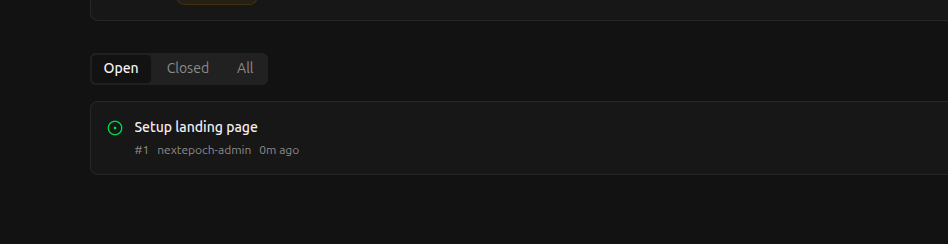
Creating Issues
- Navigate to your app in the portal
- Click Issues on the pipeline bar
- Click New Issue
- Add a title and description
- Assign labels, milestones, or team members as needed
Working with Issues
Issues support:
- Labels — Categorize issues (bug, feature, enhancement, etc.)
- Milestones — Group issues into releases or sprints
- Assignees — Assign work to team members
- Comments — Discuss and collaborate on issues
- References — Link issues to commits and pull requests
Linking Issues to Code
Reference an issue in a commit message to link them:
Fix login timeout on slow connections

Closes #42
When the commit is merged, the issue is automatically closed.